Apple MacBook Air M4 Review (2026) — The Default Laptop for Remote Work
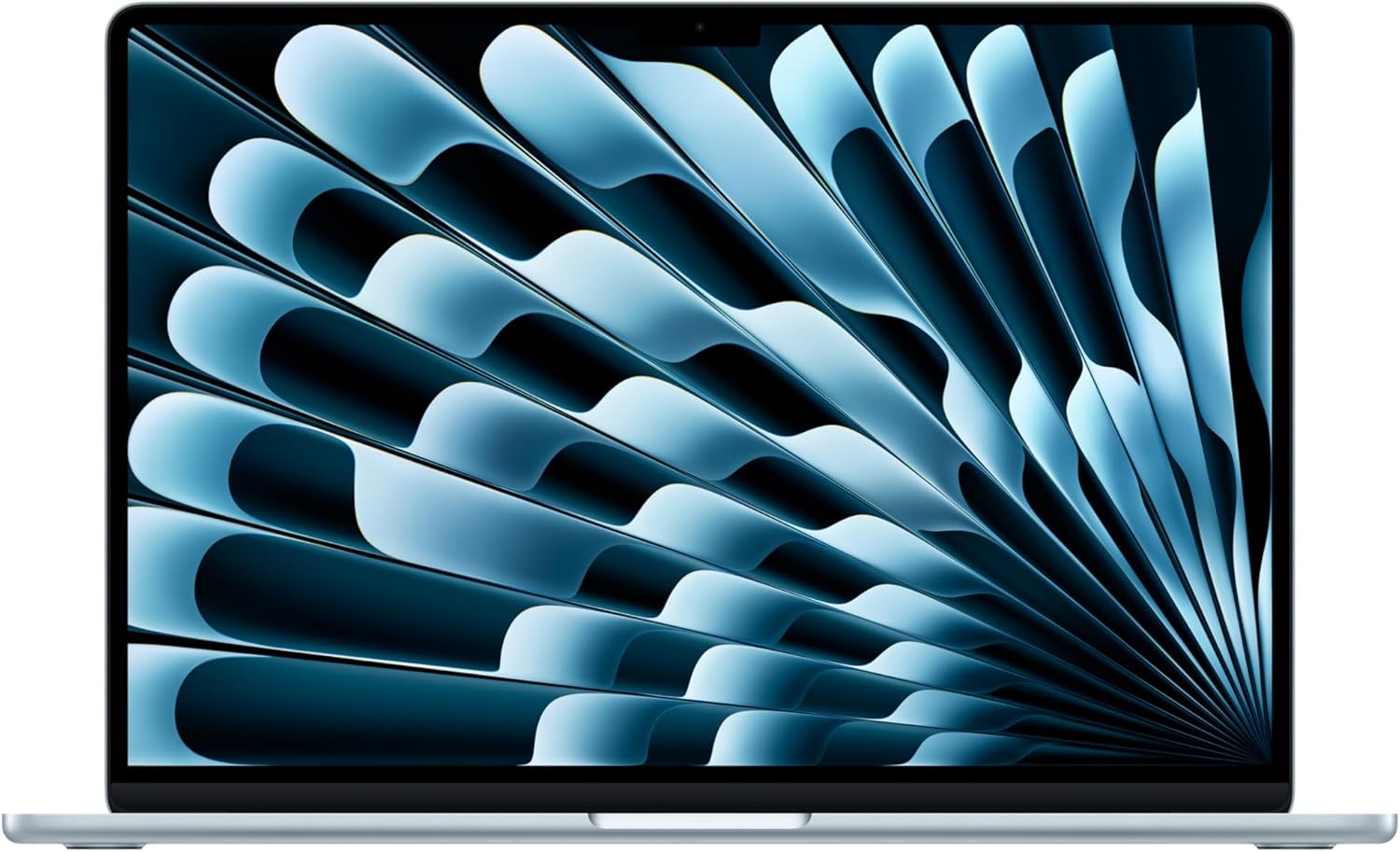
Apple MacBook Air M4 — manufacturer/retailer product photo.
Listen to the verdict
The Short Version
The M4 MacBook Air picks up where the M2 left off and adds the two things that mattered: 16GB of RAM at the base price (was 8GB), and a third year of Apple Silicon efficiency — Apple rates the battery at up to 18 hours of Apple TV app playback (treat that as a ceiling, not a video-call-heavy workday figure). At €1,199 (16GB/256GB) it’s the best laptop you can buy under €1,500 unless you specifically need Windows software. It is the recommendation we’d give to 90% of remote workers without thinking twice. The other 10% who render video or need dual external displays should read our MacBook Pro 14 M3 review, and either machine slots straight into the desk gear in our best Mac productivity accessories roundup.
Apple MacBook Air M4 (16GB/256GB) — €1,199
Our rating: 4.8/5. Check current price on Amazon:
Check price on Amazon →Watch before you buy
MKBHD review
Marques Brownlee’s M4 MacBook Air review — an independent take on the machine, worth watching before you commit to the €1,199.
What changed from M2 to M4
Apple skipped the M3 Air entirely in some markets. The M4 brings five meaningful changes:
- 16GB base RAM, up from 8GB. This single change is the biggest argument for buying the M4 over a discounted M2 — for most remote workers, 8GB was the bottleneck, not the CPU.
- M4 chip (3nm, 2nd-gen). About 18–22% faster than M2 in single-core, 25–30% in multi-core, and 35% in GPU. Marginal differences for office work; significant for Lightroom/Final Cut.
- Battery life: Apple rates it at up to 18 hours of Apple TV app playback, and up to 15 hours of wireless web. As always, treat the manufacturer figure as a ceiling measured under favourable conditions, not a number you should expect from a Chrome-and-Zoom workday.
- 12MP Center Stage camera (was 1080p). Webcam quality is now better than most external USB webcams under €100.
- $999 / €1,199 starting price for the 16GB/256GB SKU. The 8GB SKU is gone.
Specifications
| Specification | 13-inch (base) | 15-inch |
|---|---|---|
| Chip | Apple M4, 8-core CPU, 8-core GPU | Apple M4, 10-core CPU, 10-core GPU |
| RAM | 16GB unified (max 24GB) | 16GB unified (max 32GB) |
| Storage | 256GB — 2TB | 256GB — 2TB |
| Display | 13.6", 2560×1664, 500 nits | 15.3", 2880×1864, 500 nits |
| Ports | 2 Thunderbolt 4, MagSafe 3, 3.5mm | 2 Thunderbolt 4, MagSafe 3, 3.5mm |
| Webcam | 12MP Center Stage | 12MP Center Stage |
| Battery life (claimed) | 18h video, 15h web | 18h video, 15h web |
| Weight | 1.24 kg | 1.51 kg |
| Starting price (EU) | €1,199 | €1,499 |
Sustained performance — the fanless trade-off
The M4 Air has no fan. That is a design fact with a predictable consequence: it cannot dissipate heat indefinitely, so on a long sustained load — a big export, a long compile — it will eventually clock down to stay within its thermal envelope. For bursty work (documents, browsers, calls, the occasional edit) that ceiling is rarely reached. If your work is sustained rather than bursty, the actively cooled MacBook Pro 14 is the machine that holds its clocks.
How does it compare?
| Laptop | Performance | Battery | Display | Price (EU) |
|---|---|---|---|---|
| MacBook Air M4 (13") | Excellent | 18h | 500 nits | €1,199 |
| MacBook Pro 14 M4 (base) | Best in class | 22h | 1000 nits (XDR) | €1,799 |
| Dell XPS 13 (Snapdragon X) | Good | 12h | OLED, glossy | €1,299 |
| ThinkPad X1 Carbon Gen 12 | Very good | 10h | 1200p, matte | €1,599 |
| Framework 13 (AMD) | Good | 9h | 2256×1504 | €1,199 |
The MacBook Air M4 is the default. The MacBook Pro 14 base model is worth the extra €600 only if you need: brighter screen (1000 nits XDR), better speakers, more sustained performance, or 3 Thunderbolt ports + HDMI/SD. The Windows competition: Dell XPS 13 with Snapdragon X is closest on battery but trails on app compatibility. Framework is the right pick for repairability over polish.
Three things that haven’t changed (and the one that should have)
- Only 2 Thunderbolt ports. Still on the same side. Still needs an adapter for HDMI. Still a small ergonomic compromise.
- Still no FaceID. Touch ID on the power button works fine, but Windows Hello (face recognition) is a clear advantage on competitors.
- Webcam improved but the lid is still hard to open one-handed. Lid is now slightly thicker. Minor regression vs M2.
- Should have: a brighter screen. 500 nits is fine indoors but rough on a sunny terrace. The Pro’s 1000-nit XDR is the most-asked-about Air-vs-Pro question.
Pros
- 16GB base RAM finally matches the price point
- Apple-rated 18-hour battery ceiling (Apple TV playback figure)
- 12MP Center Stage webcam matches dedicated USB webcams
- Silent (fanless) — never spins up under office workloads
- 500-nit display, accurate colour out of the box
- MagSafe 3 returns — charge cable detaches cleanly
- Best build-quality in its class
Cons
- Only 2 Thunderbolt 4 ports (no HDMI, SD)
- 500-nit screen is rough in bright sun — Pro 14 fixes this
- Lid harder to open one-handed than M2 (thicker hinge)
- Storage upgrades cost €230 per tier — punishing pricing
- macOS only — no Windows app fallback (use Parallels €100/yr if needed)
Our take
The MacBook Air M4 is the laptop we’d hand to a freelancer asking “what should I buy?” without further questions. It does 90% of what 90% of remote workers do, with battery life that removes the charge-anxiety of laptops just three years ago, in a chassis that is genuinely cooler than €2,000 Windows machines. The only people who shouldn’t buy it: heavy video editors (get the Pro 14), Windows-software-locked workers (get a ThinkPad), and anyone who needs the brightest screen possible (get the Pro 14).
Our rating: 4.8/5. Loses 0.2 points for the unchanged port situation and the 500-nit ceiling on the display — everything else is best-in-class.
Get the MacBook Air M4
Check current price and configuration options on Amazon. Our rating: 4.8/5.
Check price on Amazon →FutureFavs earns a small commission when you buy via these links. We don’t accept payment from Apple or any manufacturer for positive reviews. Full affiliate disclosure.